
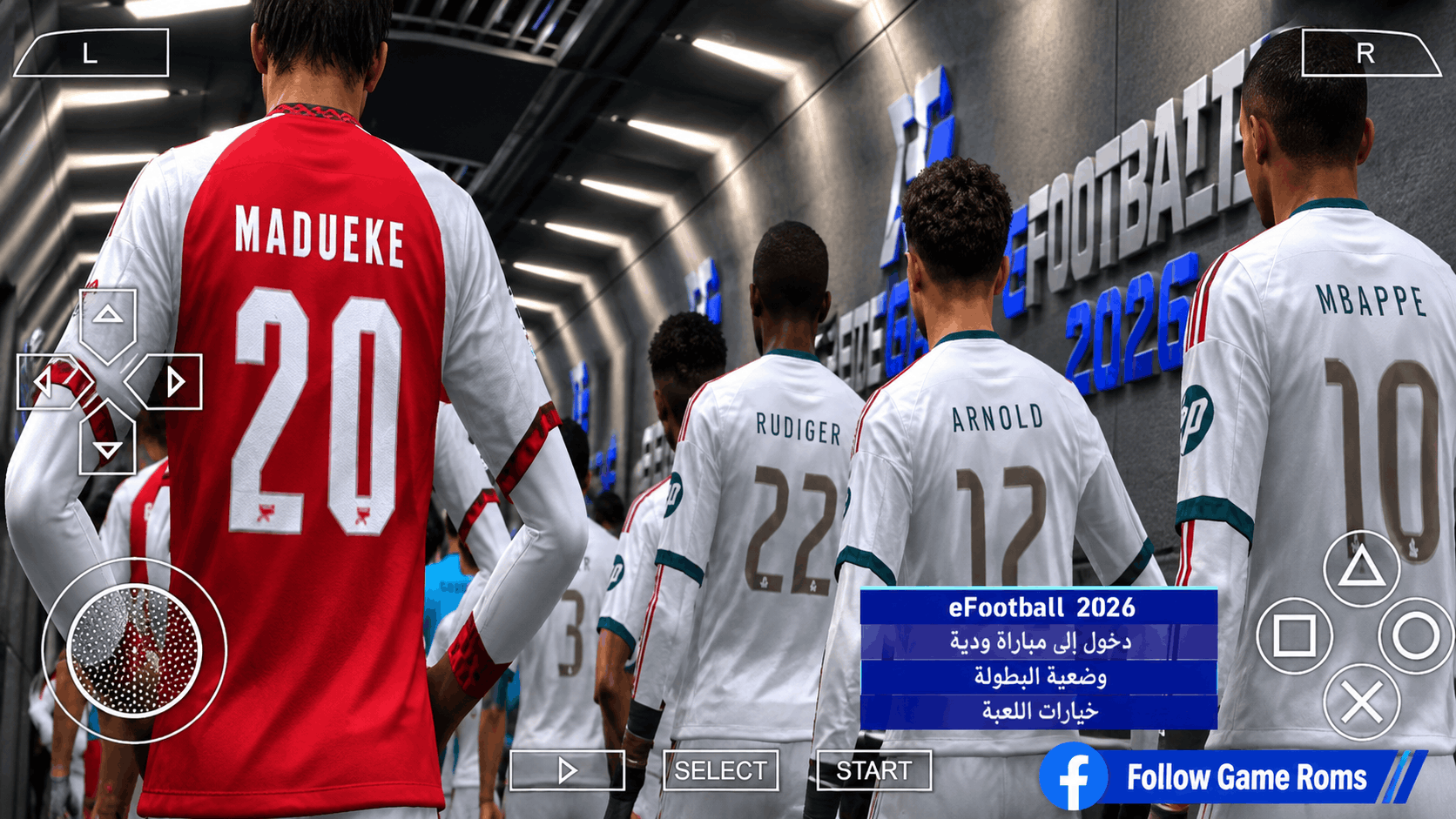
eFootball PES 2027 PPSSPP Android Offline – Real Faces, New Kits 2026/27 & PS5 Camera
Download eFootball PES 2027 PPSSPP Android Offline and play it on your mobile device using the PPSSPP emulator. Real faces, new 2026/27 kits, latest transfers, PS5 camera, 100% offline
Overview Of eFootball PES 2027 PPSSPP Real Faces & Offline
eFootball PES 2027 PPSSPP Real Faces & Offline is one of the most downloaded football games for Android right now. It gives you the full 2026/27 football season on your phone, with realistic player faces, new kits, updated squads, and a smooth PS5-style camera, all running through the free PPSSPP emulator without needing any internet connection.
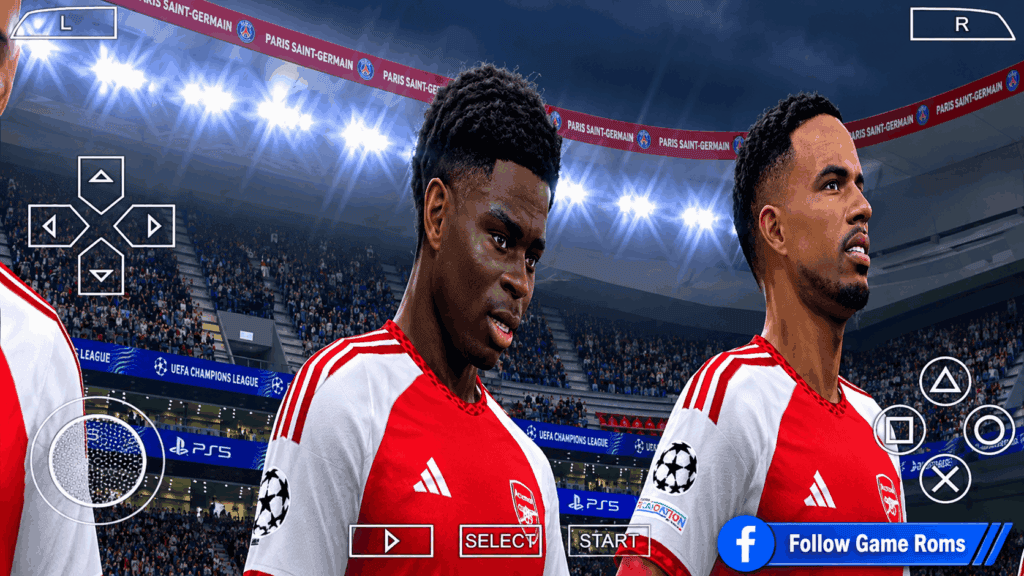
This version is built on the classic PES PSP engine, but the modding community has reworked it so much that it feels like a brand new game. The biggest change is the real faces pack. Instead of the blocky, generic faces from older PES PPSSPP games, top players now look like their real-life versions, with better hair, sharper skin textures, and more natural expressions. When you score a goal and the camera zooms in on your favorite striker, you can really see the difference.
Best of all, eFootball PES 2027 PPSSPP works completely offline. Once you install it, you can play quick matches, tournaments, and Master League on a bus, on a plane, or at home without Wi-Fi or mobile data. There are no card packs, no login screens, and no pay-to-win tricks. Every team and every player is unlocked from the very start.
Key Features
- Real Player Faces: Top players from major clubs and national teams have realistic faces and hairstyles.
- New 2026/27 Kits: Updated home, away, and third kits for major clubs and national teams, including minikits.
- Latest Transfers: Squads updated with the newest summer transfer window moves.
- PS5-Style Camera: A wide, dynamic broadcast camera angle that feels like watching a real TV match.
- 60+ Realistic Stadiums: Updated stadium visuals across many leagues, with 4K camera mod support available.
- Master League And Become A Legend Support: Play long career modes, not just quick matches.
- Improved Scoreboards And Crowd: Cleaner match overlays and a more lively stadium atmosphere.
- 100% Offline Gameplay: No internet needed once the game is installed.
- No Pay-To-Win System: No card packs or in-app purchases, everything is unlocked.
eFootball PES 2027 PPSSPP Game Information
| Detail | Information |
|---|---|
| Game Name | eFootball PES 2027 PPSSPP (Real Faces & Offline) |
| Type | Fan-made PSP football mod (not an official Konami release) |
| Platform | Android via PPSSPP emulator |
| Files Included | ISO + Save Data + Textures |
| Approx. Total Size | 1GB to 1.3GB (more with 4K texture packs) |
| Season Covered | 2026/27 |
| Game Mode | 100% Offline |
| Price | Free |
What Is eFootball PES 2027 PPSSPP Real Faces & Offline
eFootball PES 2027 PPSSPP is a fan-made football update. Konami has not released an official eFootball PES 2027 for PSP, so talented modders took the older PES PSP game and rebuilt it with 2026/27 squads, new kits, new graphics, and extra features. That is why you will see the game labeled as a mod or a “fan-made update” on many websites.
To play it on Android, you need the PPSSPP emulator. PPSSPP is a free app that lets your phone run PSP games. The football mod comes in a few parts: the main ISO game file, a Save Data file that holds the updated teams, transfers, and rosters, and a Textures file that holds the new kits, faces, and stadium visuals. All three work together, so you need to install every part for the game to look right.
How The Real Faces Work
The real faces are stored inside the Textures pack. When PPSSPP runs the game, a feature called “Replace Textures” swaps the old, low-quality faces for the new, sharper ones. This is why it is so important to turn that setting on and place the texture folder in the right location. If you skip this step, the game will still run, but players will look like they did in older versions.
How Offline Mode Works
Everything the game needs is saved on your phone, so it never asks to connect to a server. You can turn on airplane mode and keep playing. This makes eFootball PES 2027 PPSSPP a great pick for players with slow internet, limited mobile data, or long trips.
Why Players Love This Version
Fans enjoy the classic PES style of play, where passing, timing, and positioning matter more than tapping fast. Add real faces, fresh kits, and the PS5 camera, and you get a football game that looks modern but still runs on a normal Android phone. It is also free, which makes it easy to share with friends who love football.
System Requirements For eFootball PES 2027 PPSSPP
Football games with HD faces and textures need a bit more power than basic PSP games. Check the lists below to see how your phone matches up.
Minimum Requirements
- Android version: 6.0 or higher
- RAM: At least 2GB
- Free storage space: At least 2GB
- Processor: Quad-core or higher
- Graphics backend: OpenGL
Recommended Requirements For Best Performance
- Android version: 9.0 or higher
- RAM: 4GB or more (6GB or more for 4K texture packs)
- Free storage space: 4GB or more
- Processor: Octa-core or higher
- Graphics backend: Vulkan, for smoother frame rates
Steps To Download And Install eFootball PES 2027 PPSSPP On Mobile Android
Check your phone’s storage. Make sure you have at least 2GB
free, since the files get bigger after extraction.
Install the PPSSPP emulator. Search for “PPSSPP” on the
Google Play Store, or use PPSSPP Gold for the paid version.
Install a file extractor app. The game files come as ZIP
files, so install ZArchiver to unpack them.
Extract all the files. Unzip the ISO, the Save Data, and
the Textures file one by one, and keep them in separate folders so nothing
gets mixed up.
Move the ISO file. Place the ISO inside
Internal Storage/PSP/GAME/.
Add the save data. Copy the save data folder into
Internal Storage/PSP/SAVEDATA/. This brings in the 2026/27
teams, transfers, and rosters.
Add the textures. Place the texture folder inside
Internal Storage/PSP/TEXTURES/. On Android 11 and above, use
Android/data/org.ppsspp.ppsspp/files/PSP/TEXTURES/instead,
since newer Android versions limit access to the normal folder.
Open PPSSPP and find the game. Use the built-in file
browser to locate your eFootball PES 2027 ISO.
Turn on texture replacement. Go to Settings, then Tools,
then Developer Tools, and switch on “Replace Textures.” This is the step
that makes the real faces and new kits appear.
Check your language. Go to Settings, then System, then
Language, and pick English so menus and commentary show correctly.
Start playing. Tap the game, wait for it to load, and
jump into your first match.
If the game feels slow, lower the Rendering Resolution to 2x, switch the graphics backend to Vulkan, and turn on Frame Skipping at 1. This helps most Android phones run smoothly, even with the HD faces turned on.
Common Problems And How To Fix Them
Faces and kits look old or blurry: This usually means
“Replace Textures” is off, or the texture folder is in the wrong place.
Double-check both.
Black screen when loading: The save data may not be placed
correctly, or the ISO was not fully extracted. Extract the files again and
check each folder path.
Game lags during matches: Lower the resolution, enable
Frame Skipping, and close other apps running in the background.
Old squads still showing: Make sure the new save data
replaced any older save files from earlier PES versions.
Download eFootball PES 2027 PPSSPP Android Offline For Free
Download eFootball PES 2027 PPSSPP Real Faces & Offline and play it right on your mobile device, or share it with friends so you can enjoy the 2026/27 season together. It is one of the best looking offline football games you can run on Android without a console.
If you love football games, there are plenty of other titles worth checking out too, such as eFootball PES 2027 V1.3, eFootball PES 2026 PPSSPP, EA Sports FC 27 PPSSPP, FIFA 21 PPSSPP, and the FIFA 16 Mod FC 27 build. Many players also enjoy offline classics like Dream League Soccer. Fans of eFootball PES 2027 often switch between these games to find the version that runs best on their phone.
Whether you have played PES for years or you are trying it for the first time, this real faces version is one of the most complete offline football experiences on Android today.
Frequently Asked Questions
Is eFootball PES 2027 PPSSPP free to download?
Yes, it is free. You only need the free PPSSPP emulator and a file extractor app like ZArchiver.
Does eFootball PES 2027 PPSSPP work offline?
Yes, once it is installed, it runs 100% offline. You do not need Wi-Fi or mobile data to play any match or mode.
Is this an official Konami game?
No. It is a fan-made mod built on the PES PSP engine, updated with 2026/27 squads, kits, and graphics by the modding community.
Why are the real faces not showing in my game?
The faces live inside the Textures pack. Make sure the texture folder is in the correct location for your Android version and that “Replace Textures” is turned on in PPSSPP’s Developer Tools.
Will eFootball PES 2027 PPSSPP run on a low-end phone?
It can run on phones with around 2GB of RAM if you lower the resolution and use Frame Skipping. For the smoothest experience with HD textures, 4GB of RAM or more is recommended.
Can I play Master League in this version?
Yes, Master League and Become A Legend are supported, so you can play long career modes offline, not just quick matches.